Referrals & Promo Codes
You can now earn Aera credits by referring your friends!
Today, we are introducing Aera referral codes. Friends who use your code will receive 25% off their first month, and for every friend you refer that subscribes, you will earn $5 in Aera credits.
To get started, open Settings > Account within Aera, or go to your dashboard online. Create your referral code, and customize it any way you'd like! You can share your code with friends, or send them your custom referral link.
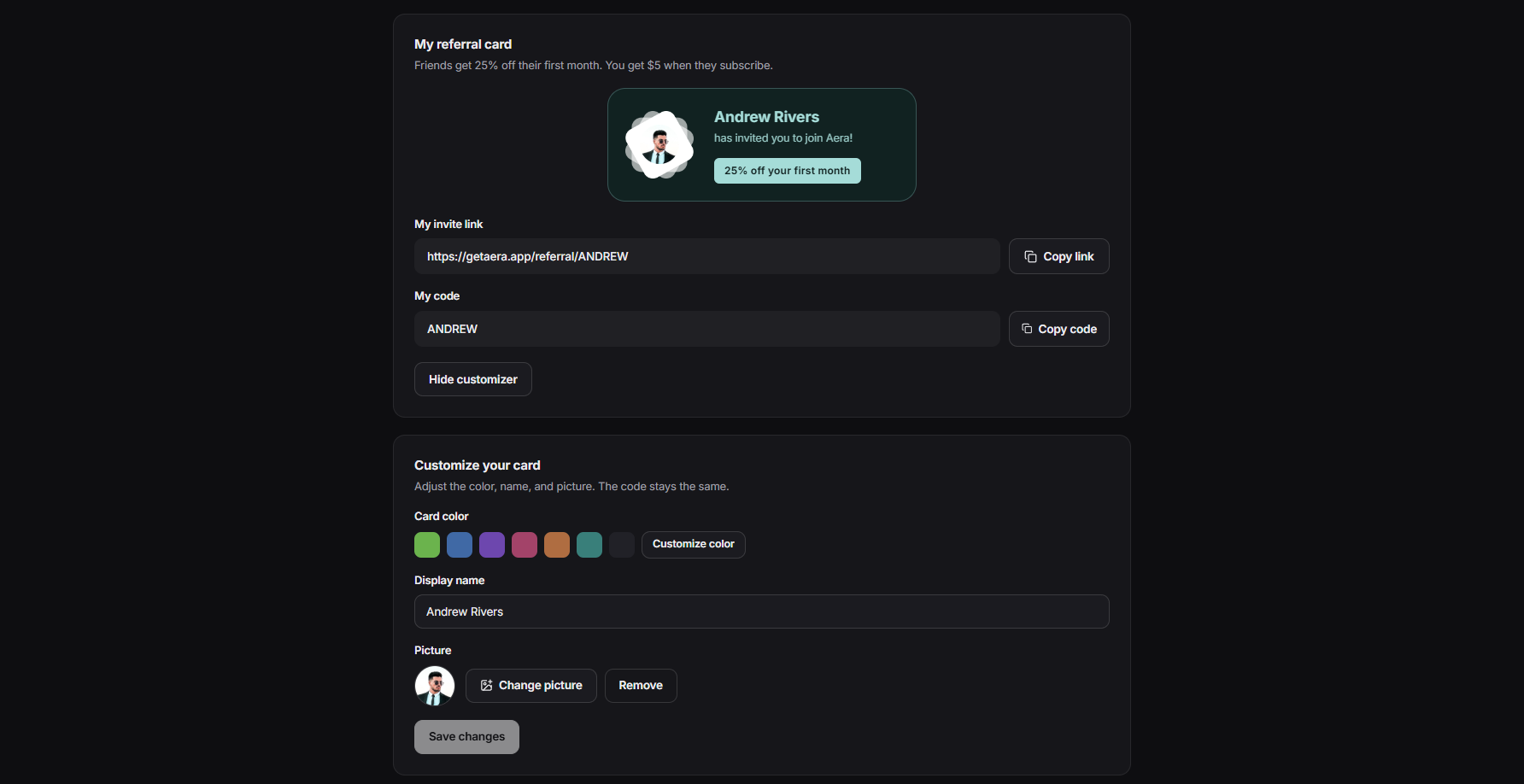
Note: once created, your referral code is permanent, and cannot be changed.
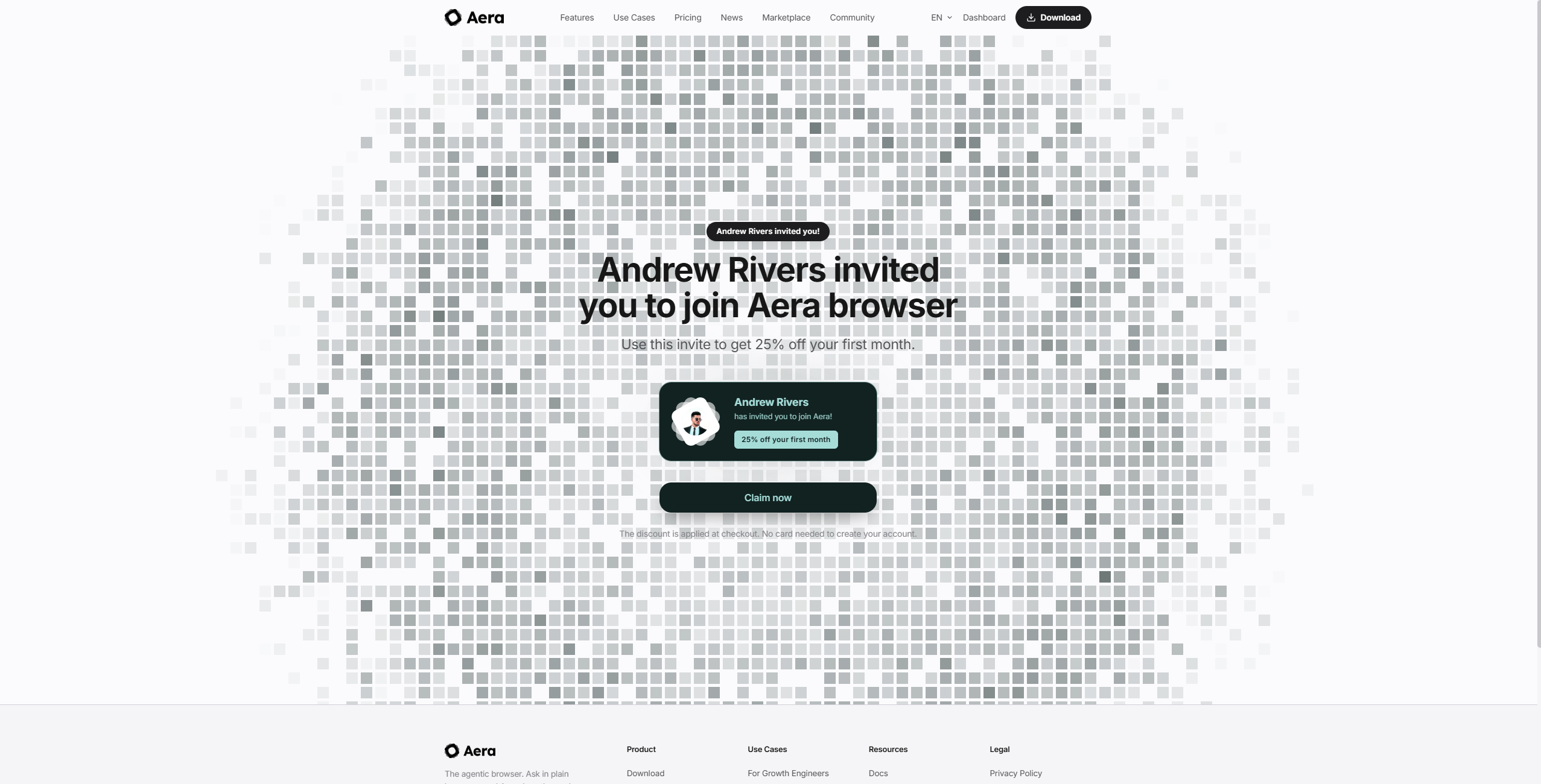
Once you have your referral code, share the link with your friends! You will receive your $5 credit after their subscription has cleared.
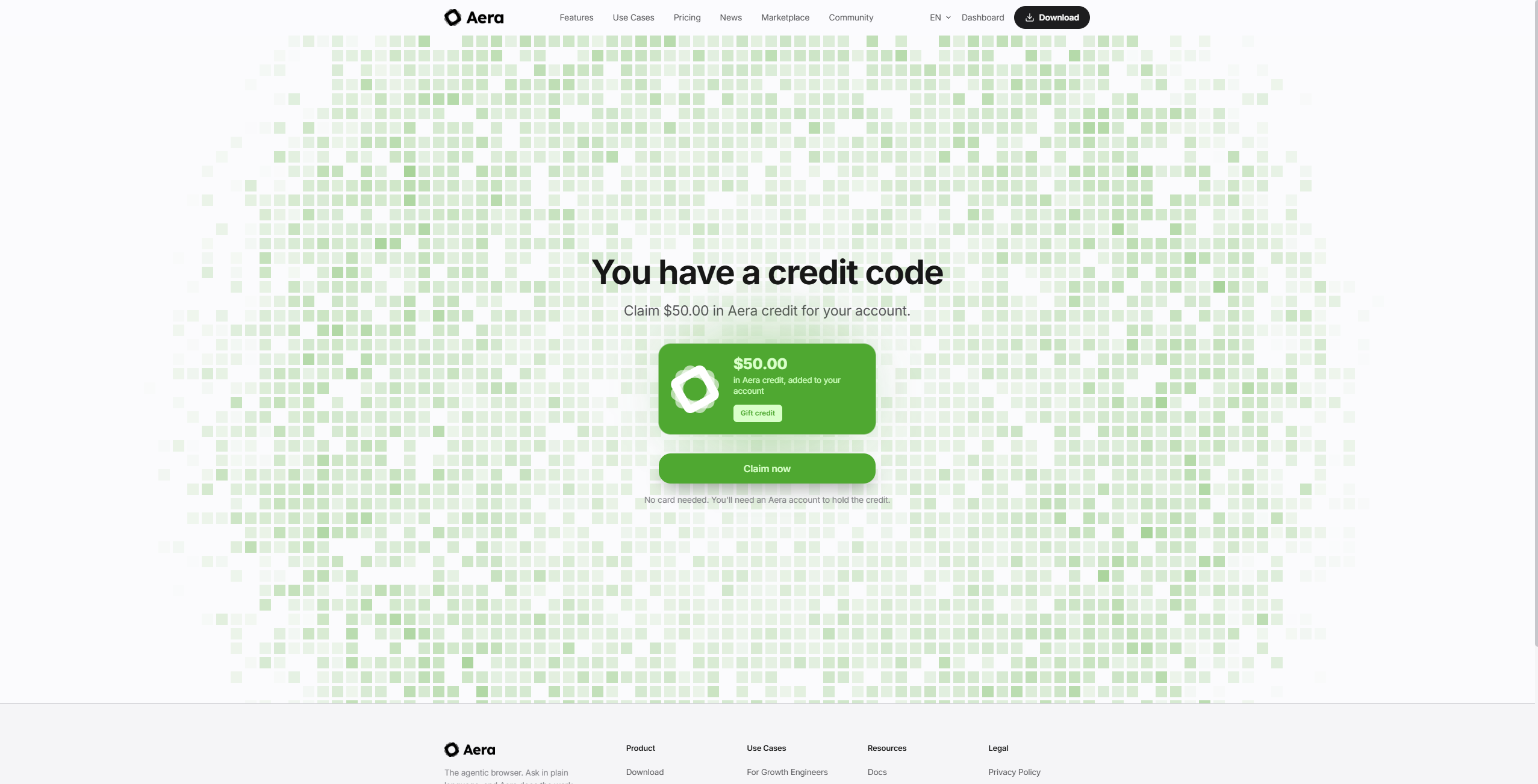
We will also periodically be giving out discount and credit promo codes, which you can claim at https://getaera.app/claim/. You can also claim codes within Aera through Settings > Usage, or by clicking the shared promo code link.
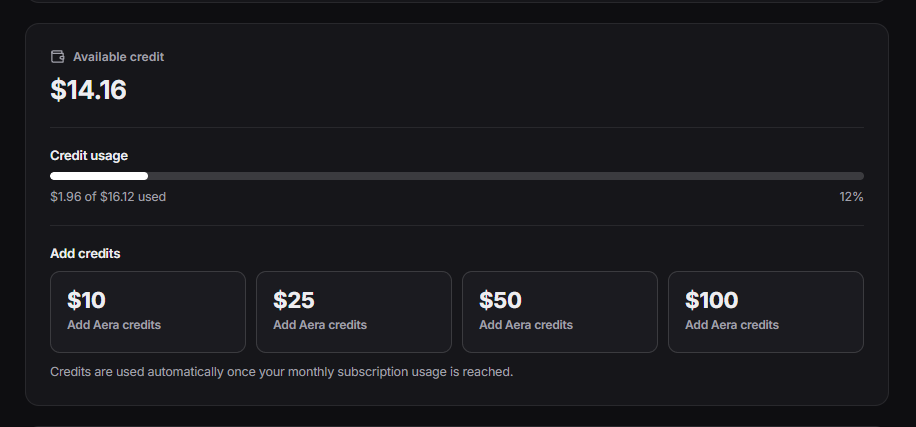
Usage Credits
We are also introducing Aera usage credits. These credits can be purchased separately from your subscription, and will not roll over after any period. You can purchase usage credits through Aera's Settings > Usage tab, or by visiting your online dashboard at https://getaera.app/dashboard/usage.
Credits can additionally be earned by referring your friends ($5 per referral that subscribes), or through our periodic promo codes, which we will be dropping on https://x.com/getaera, and in our Discord community. Make sure to follow along so you don't miss any free credits!
To claim and use referral codes and credits, please ensure you are updated to version 0.8.4. You can check your version any time through Chromium Settings (top right) > About Aera. If you do not have the latest version, please click Update when prompted, or download the latest version from https://getaera.app/download/.