Our first official release is here! Aera 1.0 brings together persistent memory, coordinated agent teams, scheduled execution, browser interaction, and secure account access around one point of contact: your Manager.
We built it for the work that keeps coming back. Keeping up with customers. Maintaining a website. Following a project through. Gathering the numbers and getting the report to the people who need it. Each responsibility takes time, expertise, and someone to organize all the moving parts.
With Aera, you can describe what you want accomplished, answer a few questions, and have that structure built for you. Your Manager establishes the context, organizes the help, carries the work forward, and keeps you informed. Here is what we built to make that possible.
Introducing workspaces, each with its own Manager
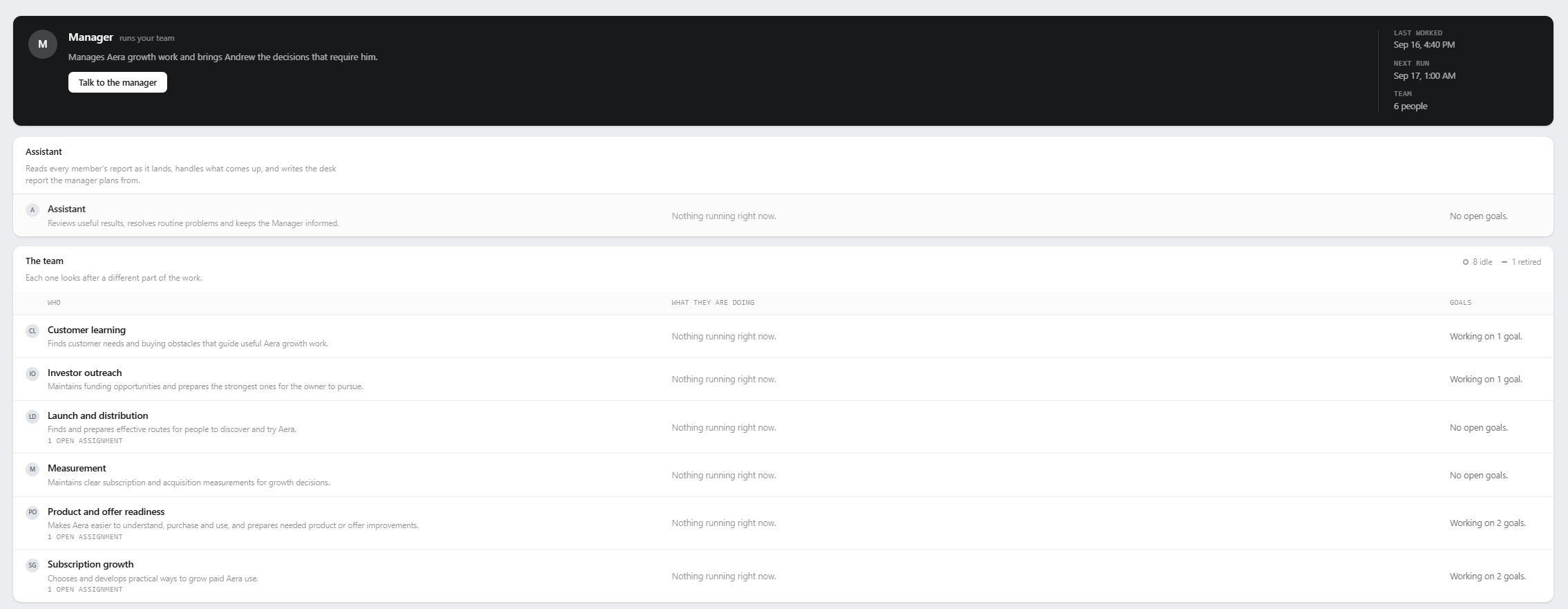
A workspace is the home for a responsibility you hand to Aera. It brings the Manager, team, goals, schedules, memories, files, and reports together around the same purpose.
There is a lot happening behind the setup conversation. Your answers become a persistent working brief: what success looks like, which services the work depends on, what the team can decide, and where you want to be involved. The Manager uses that understanding to establish the team and recurring work the responsibility calls for. A small job can stay small; a broader responsibility can have several agents working on different parts.
We connected that brief to the agents doing the work, including scheduled and delegated runs. Changes to shared context can reach work already in progress, and revision history preserves how the instructions developed. The understanding you establish with your Manager has a path all the way to the agent carrying out the next step.
A memory system built for months of work
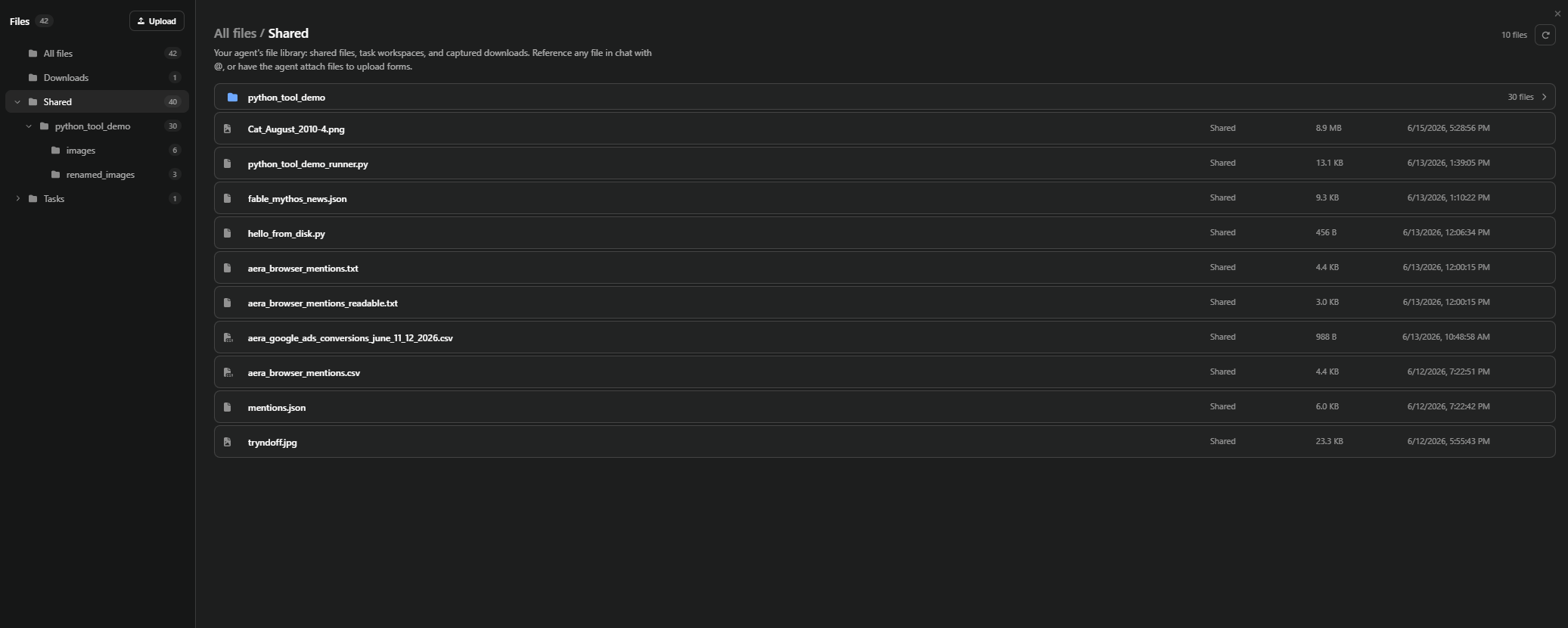
We built a unified local index that makes conversations, saved memories, files, goals, answered questions, run reports, and workspace updates searchable together. It gives Aera a growing record of the work, with the index stored on your own device.

Recall connects that history to what is happening now. It uses the current request and working context to find relevant material, then combines local search with model-assisted selection to choose useful passages and references. It can refine a search when the first results need more context. Retrieval runs alongside the start of a conversation, and useful material that arrives later can join the active turn.
That capability extends across the team. A scheduled report can recover an earlier decision about which figures matter. A delegated agent can find context relevant to its assignment. A follow-up question can bring a different part of the record into view as the conversation changes.
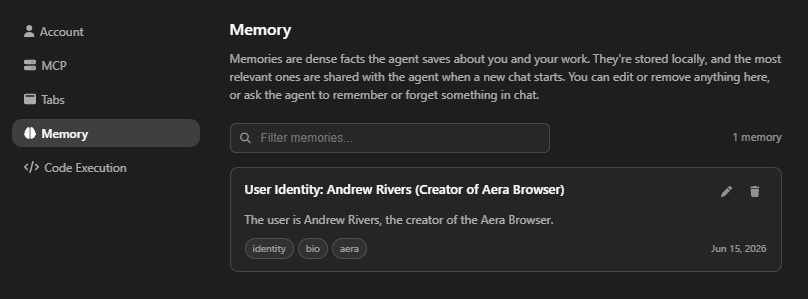
Alongside that searchable history, explicit memories preserve lasting facts about you and your work, such as preferences, account locations, and operating details. You can inspect, edit, and remove them. Local indexing keeps the record on your device; model-assisted recall sends selected context for AI processing under the same provider protections as the rest of Aera.
Teams with durable assignments and real follow-through
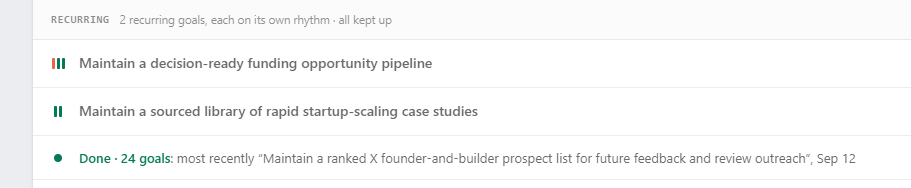
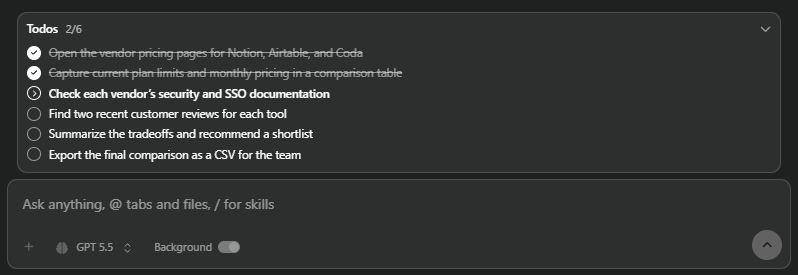
We gave the Manager a coordination system for work that crosses agents, conversations, and time. Team members have their own responsibilities, briefs, and continuing working notes. Assignments have an owner, an opening request, a message history, and a recorded ending.
Those records outlive the run that created them. Members can work in parallel, receive corrections, ask follow-up questions, and return results to the Manager. Shared briefs carry current context between them. Delivery records and restart recovery help preserve the connection between a request and its eventual answer, even when the original conversation is no longer running.
For you, this means a request can grow into several coordinated pieces of work without requiring you to supervise every handoff. Your Manager can arrange the research, have findings turned into a report, review what came back, and bring you the result through the same conversation.
Responsibilities that run on a rhythm
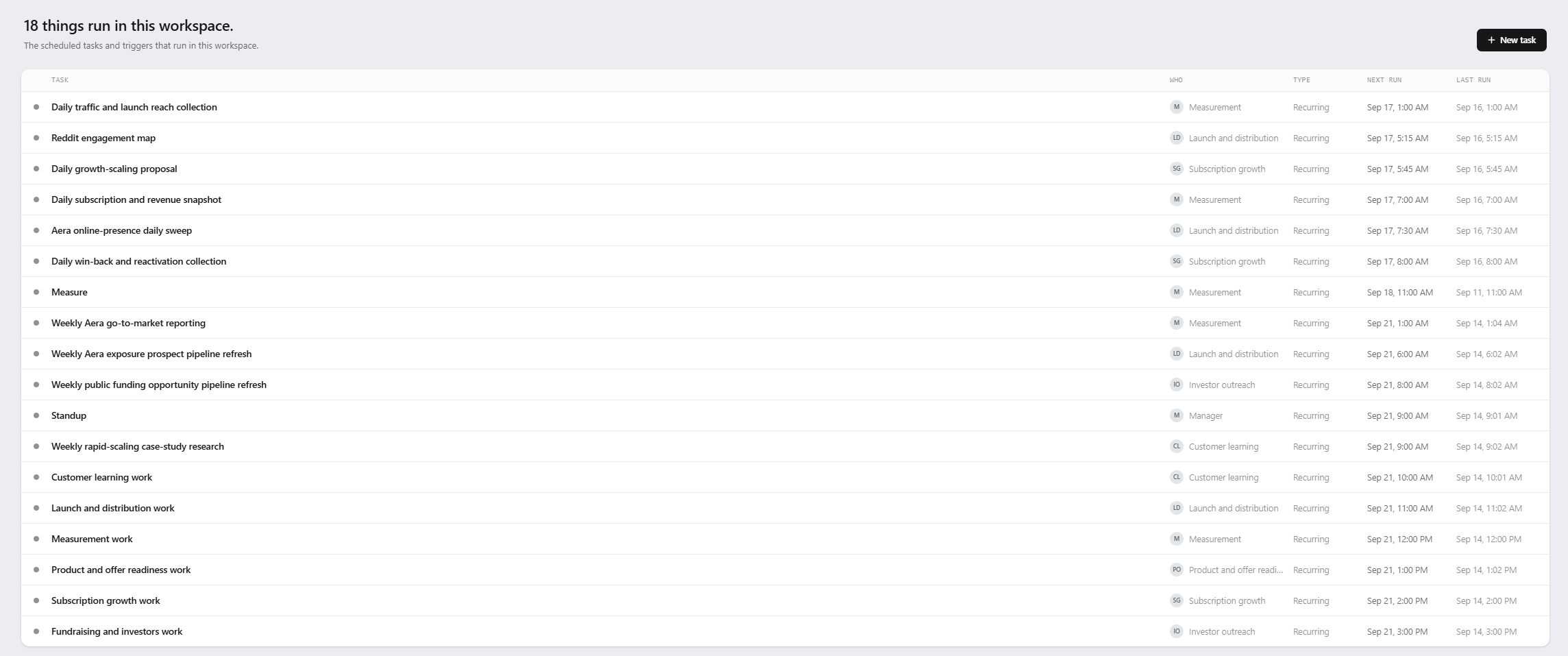
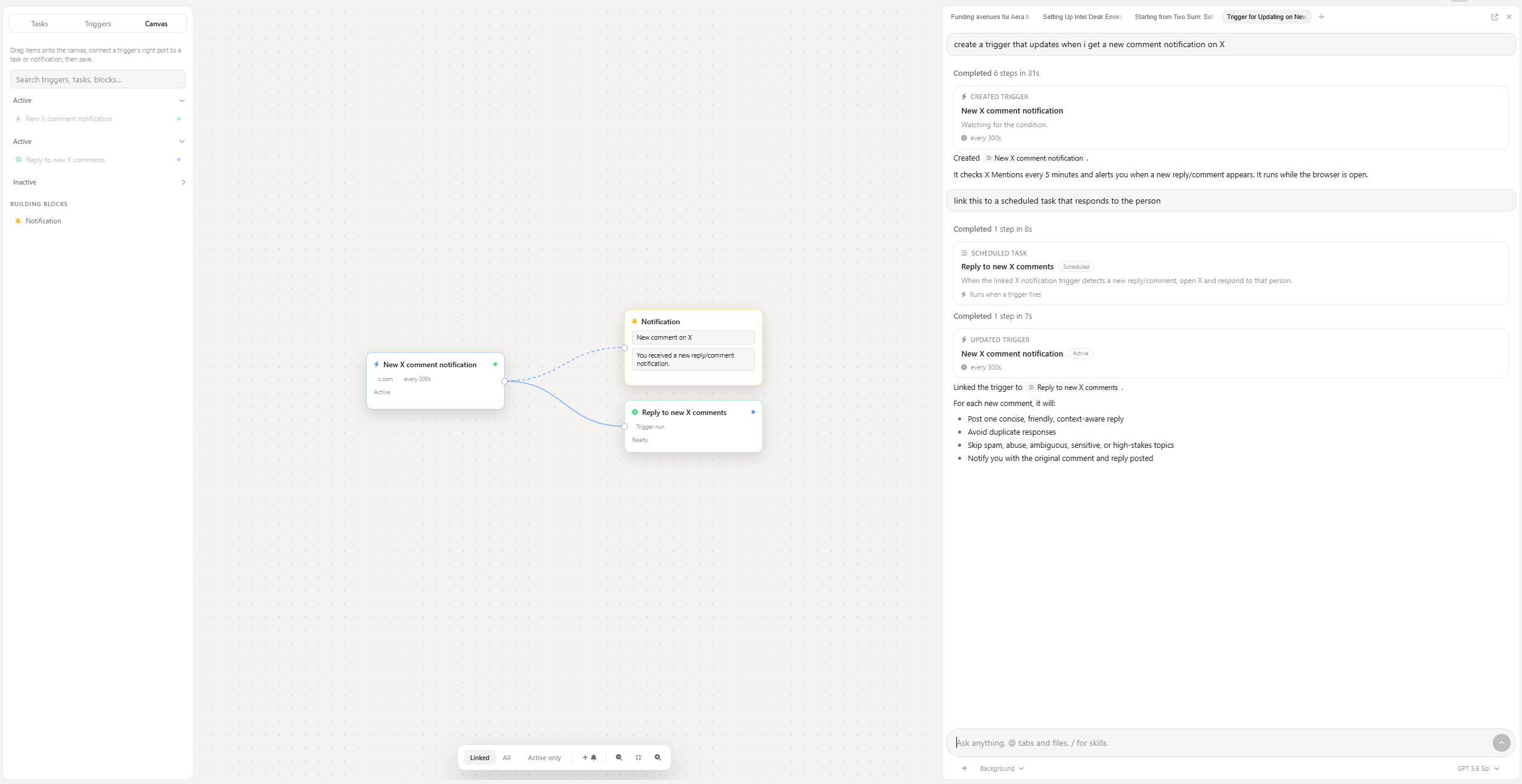
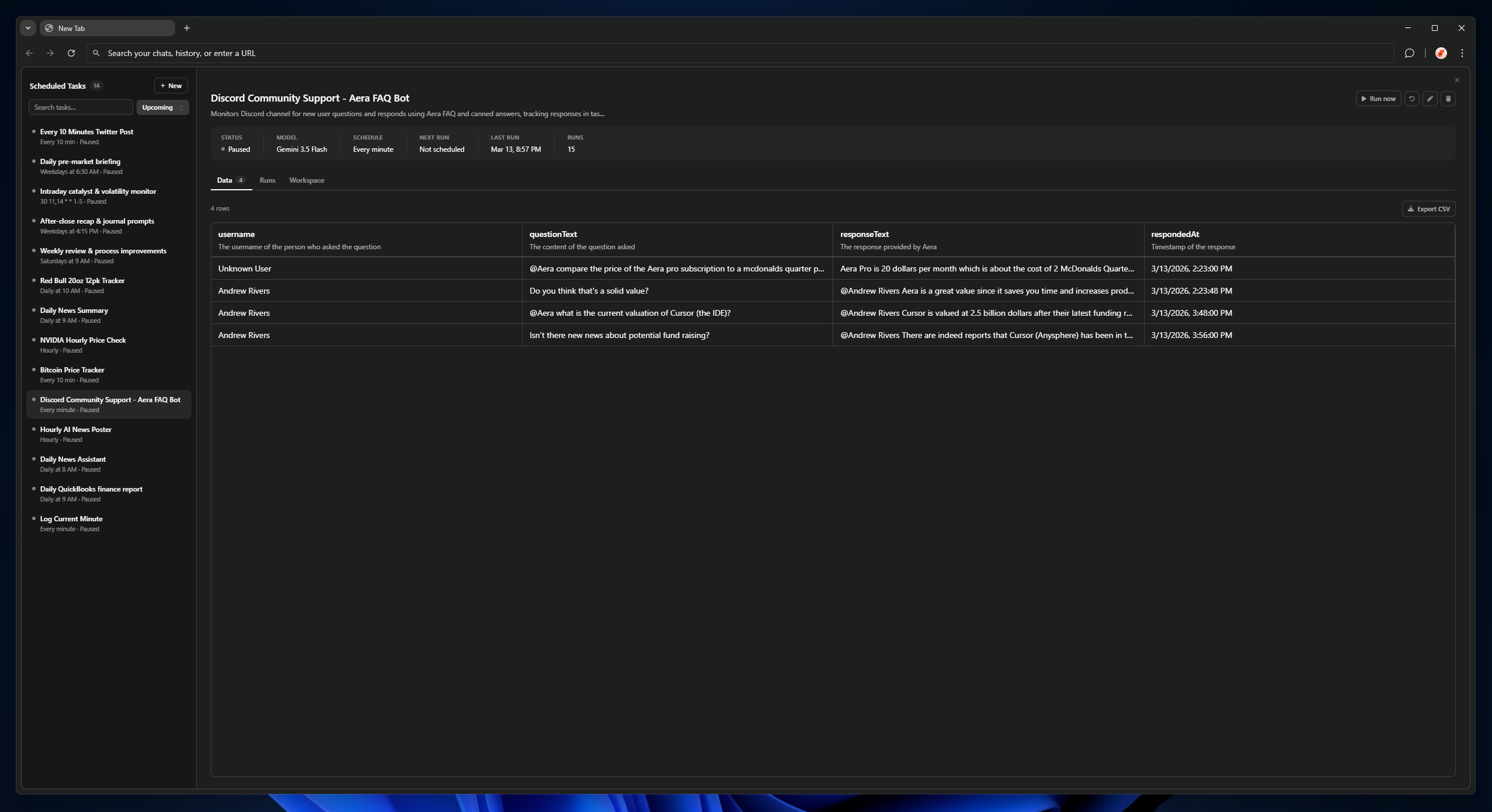
Scheduled work is connected to the whole workspace. Each run has access to its instructions, role, relevant memory, and the goals it serves. Its results become part of the record available to the next run and the Manager's review.
We built support for one-time outcomes, recurring responsibilities, and measurable targets, so the team can work toward a finish line or keep something running over time. Your Manager can establish the cadence for doing the work and checking its progress. Scheduled attempts retain their own history, giving Aera a record of what ran and how it ended.
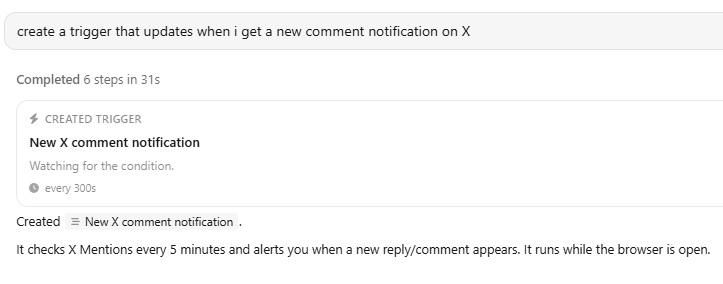
The weekly report can become a standing responsibility on your computer. So can a regular customer follow-up or a check on a changing website. When priorities shift, you can hold a goal, adjust the schedule, or pause the workspace.
Connected services and a browser the team can use
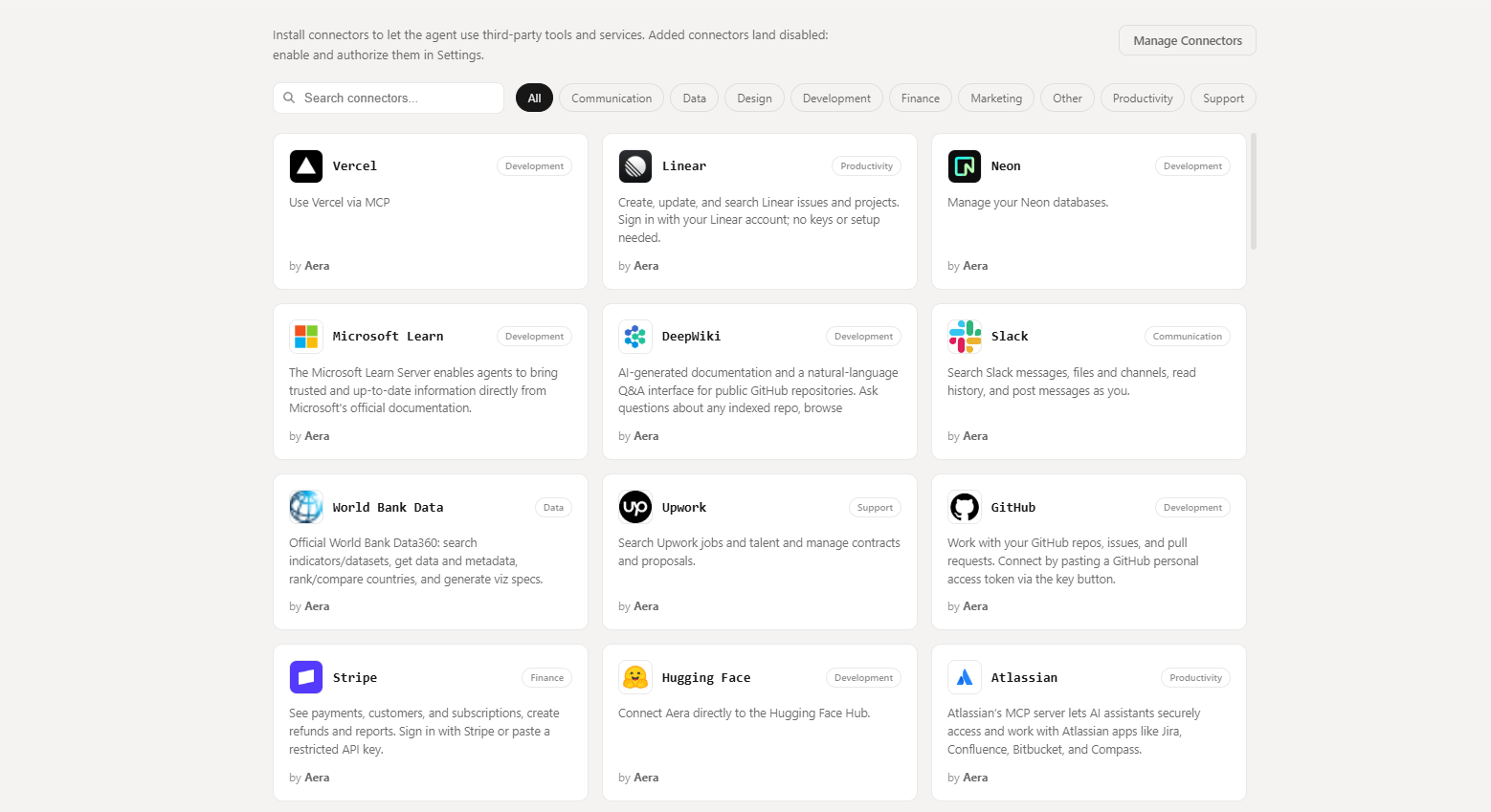
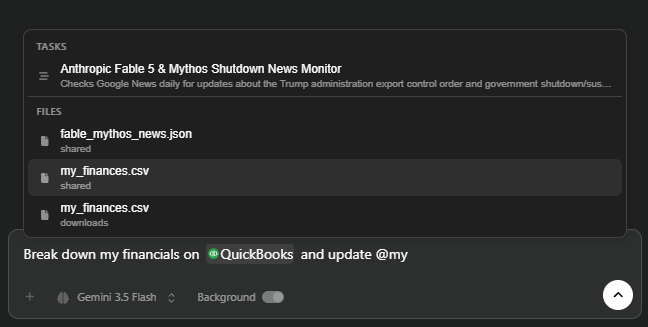
Aera combines direct service connections with browser interaction in the same workflow. Agents can gather information through connectors, read pages, target controls visually, fill forms, and upload files. Work can move between a connected service and a website as the job requires.
We also built site skills: reusable knowledge about how a particular website works. When Aera learns a procedure, it can save that knowledge against the site and make it available on a later visit. The procedure is offered when the agent reaches a matching page, putting what it learned back where it is useful.
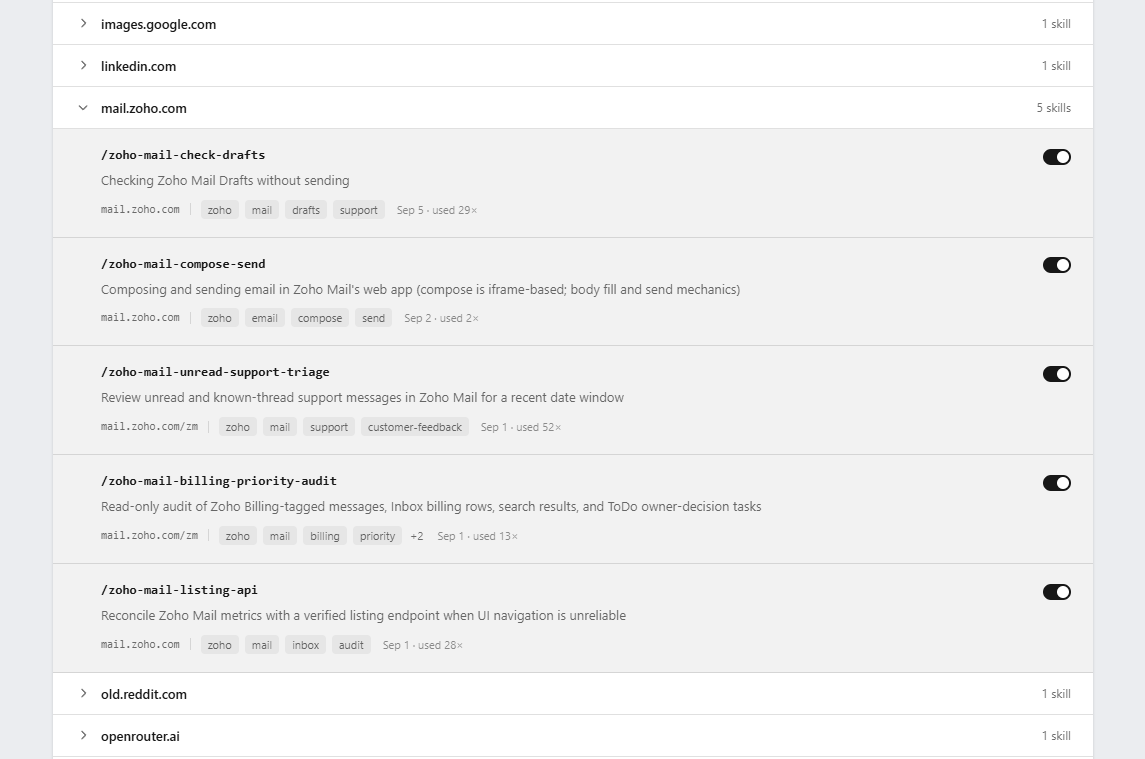
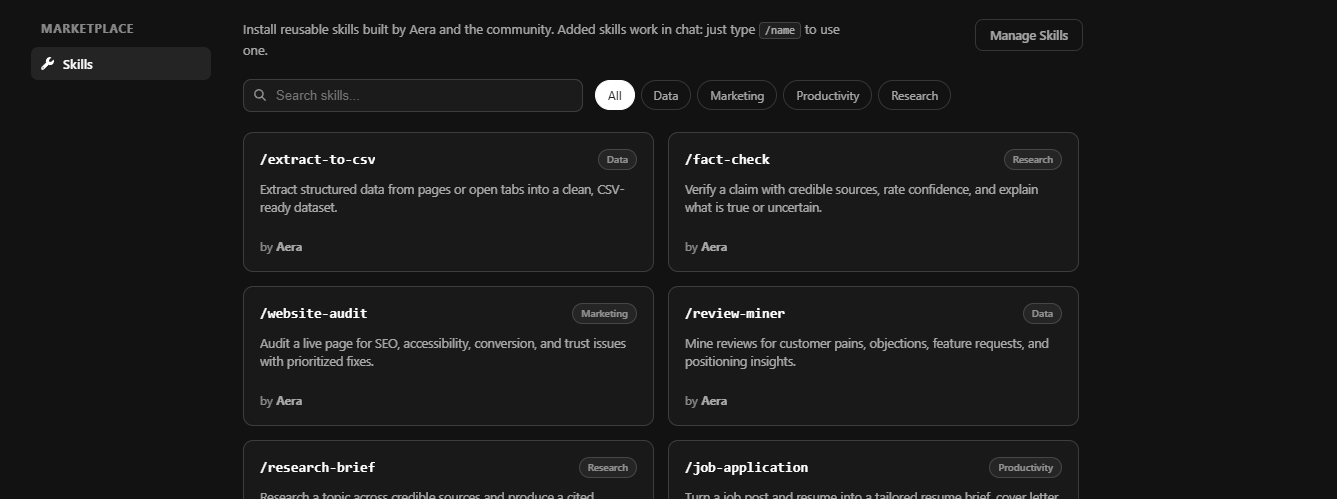
Marketplace discovery lets Aera find additional connectors and skills and ask you to add them. Your Manager can assemble the capabilities needed to complete the responsibility, from finding the information behind a customer inquiry to sending the answer, updating the website, or delivering the finished report.
Keychain: account access without exposing passwords to agents
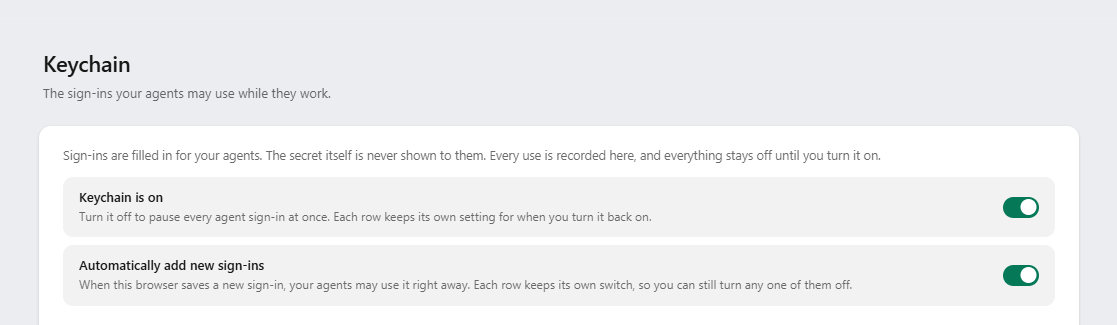
This is an architectural separation we care about. An agent can ask the browser to use an approved credential, while the browser handles the secret and fills the sign-in itself. The password is never returned to the agent as a tool result or included in its conversation.
Keychain builds on the browser's credential storage and adds support for two-step authentication keys and saved PINs. Supported time-based codes are generated in the browser when needed. This gives unattended work a way through supported sign-in flows using access you have granted.
Permission stays with you. Agents cannot grant themselves access. You can enable individual sign-ins, inspect their use history, revoke access, or pause Keychain altogether. Setup can also check whether the required Keychain access is available and explain what still needs your attention.
From finished work to an update you can use
We built a delivery and review system that follows work beyond the moment an agent finishes. Saved results are connected to review, publication, and the conversation expecting the answer. Interrupted deliveries retain their destination so recovery can bring the result back to the right place.
The workspace makes that work visible in several ways:
- Updates present the outcome, key facts, and links to the saved work, with detail you can expand when you want it.
- Reports connect collected data to charts, tables, and written findings. Their contents can refresh as the underlying work produces new readings.
- Needs you holds explicit questions that require your judgment or access, with answers saved for the work that follows.
- Ask the Manager opens a conversation about the item you are looking at, carrying its context with you.
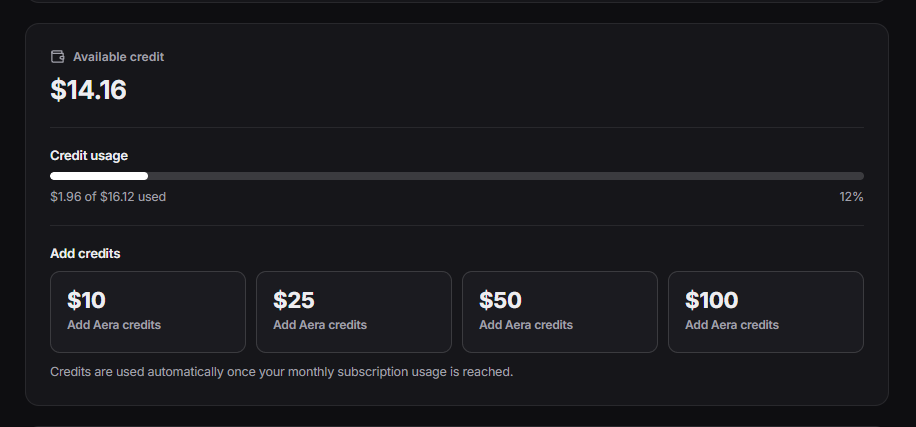
- Usage breakdowns show the AI cost associated with the work, including delegated effort.
An email sent, a report delivered, a customer answered: the update should tell you what happened and give you a direct way to discuss it with your Manager.
We can't wait to see what you do with Aera
Aera 1.0 is the launch we have been working toward: a way to put capable, coordinated help within reach of people who have more they want to do than time or resources to do it. Seeing a conversation become a working team, and that team's effort become a delivered report, an updated website, or a customer helped, is what makes this release so exciting for us.
We can't wait to see what that makes possible for you. Bring Aera the responsibility that keeps taking over your week, the project you've struggled to get moving, or the idea you've been waiting to have enough help to pursue. Your Manager is ready to get started.